Branding Your Tour with Overlays
The Opening and Closing steps come before you generate, and they are where you brand the tour. A live preview sits beside the controls and updates as you type.
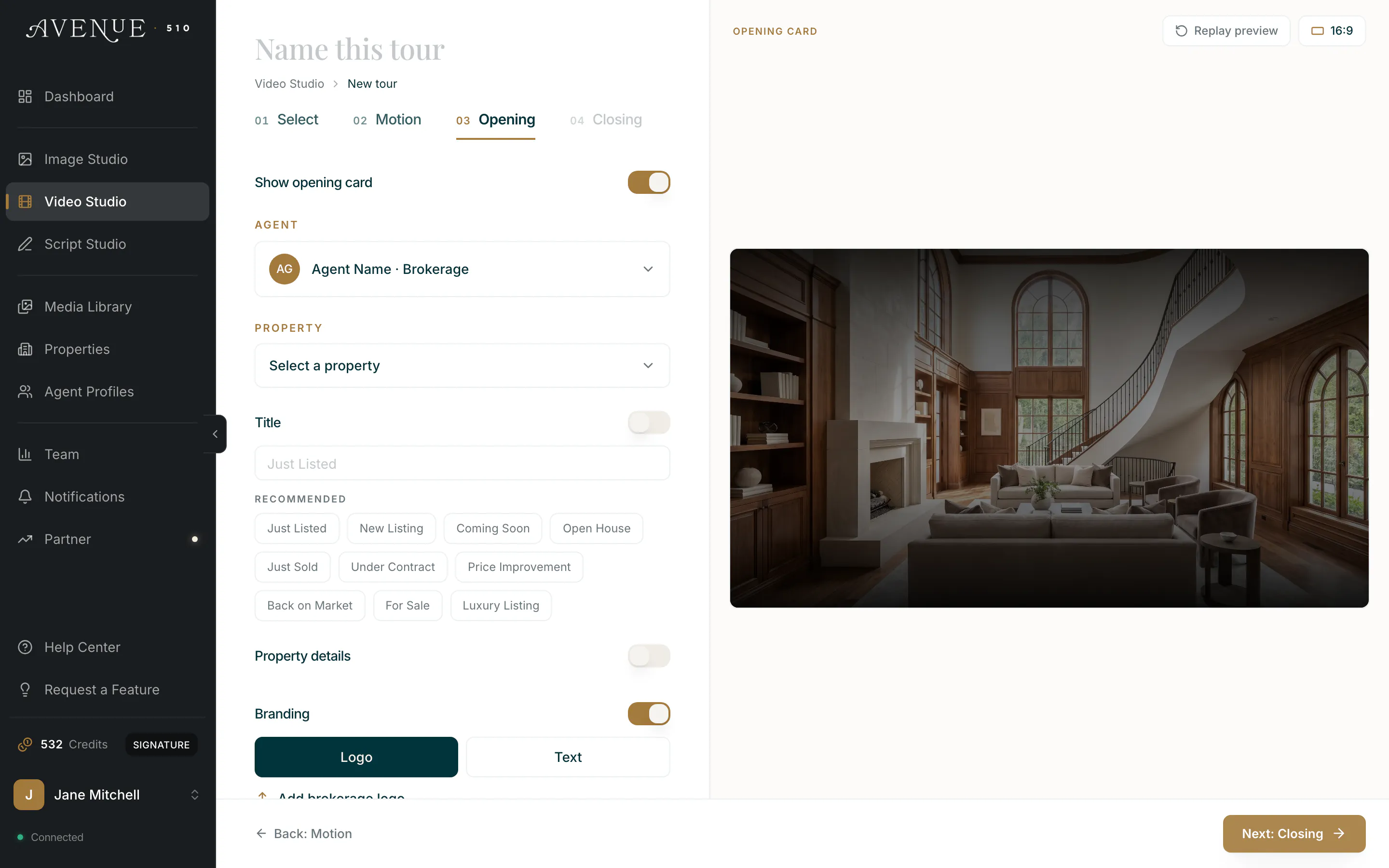
Opening. Your branding, the property title and details, and a status line such as Just Listed, Coming Soon, or For Sale. This card is composited onto your first clip, so it plays over your opening shot and adds no length to the tour.
Closing. Your agent card, headshot, contact details, and a call to action. This one plays as its own card after the last clip, on its own dark ground rather than over a photo, so it adds a few seconds to the finished tour.
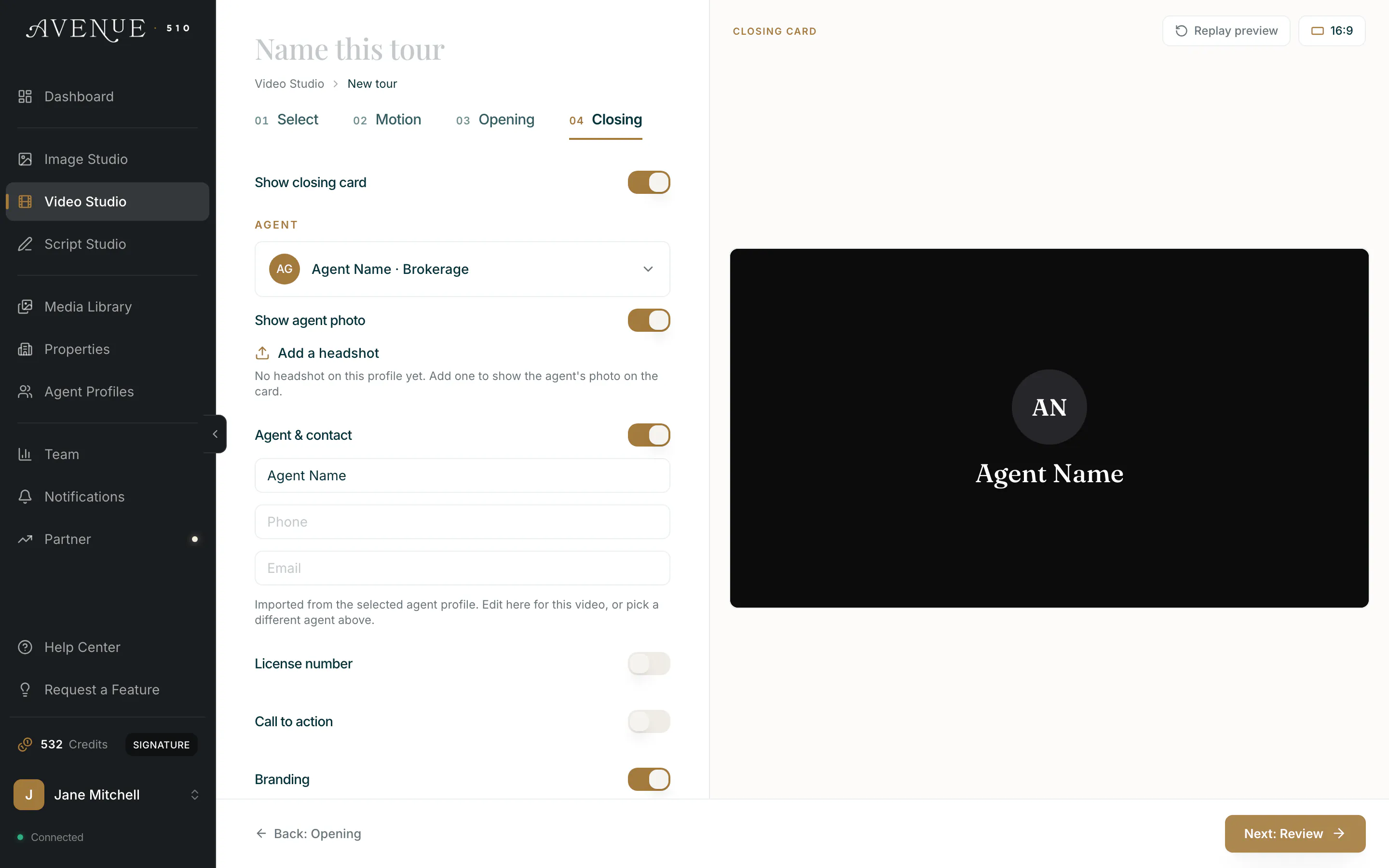
Each card has its own text style and size, and you can include or leave out individual fields. Both cards are optional, both are available on every plan, and configuring them costs nothing.
One thing to know: if you change either card after the tour has finished rendering, the tour has to be reassembled. That costs a small flat amount, and the cost is shown on the button before you commit.