How Does the Image Studio Media Library Work
Every photo you upload and every edit you generate is saved to one library tied to your account, so it is there on any device you sign in on and it survives refreshes and sessions.
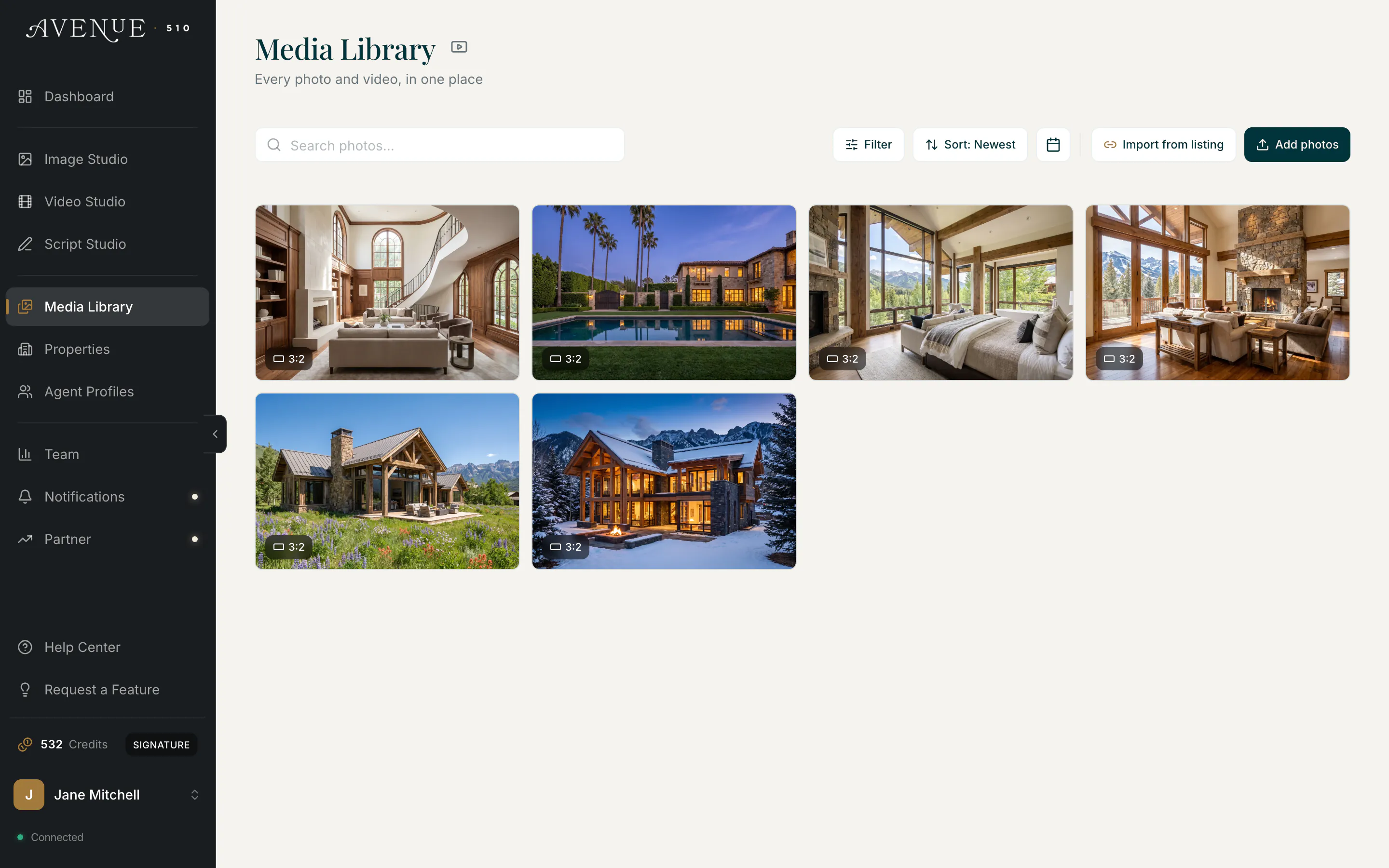
Filter pills across the top of the grid carry live counts. All, Photos, Originals, Edited, Favorites, and Imported narrow the photos; Videos, Clips, and Tours switch the grid over to your video work.
Editing never overwrites the original. Every successful edit creates a new entry linked back to the photo it came from, marked in the tile's corner with a small dark chip naming the edit that made it, so a sky swap reads Sunset and a staging run reads Farmhouse Staging.
When you want to keep going from a result rather than the original, the Custom edit button underneath it carries that result forward as the new starting photo.