How Camera Movements Get Assigned
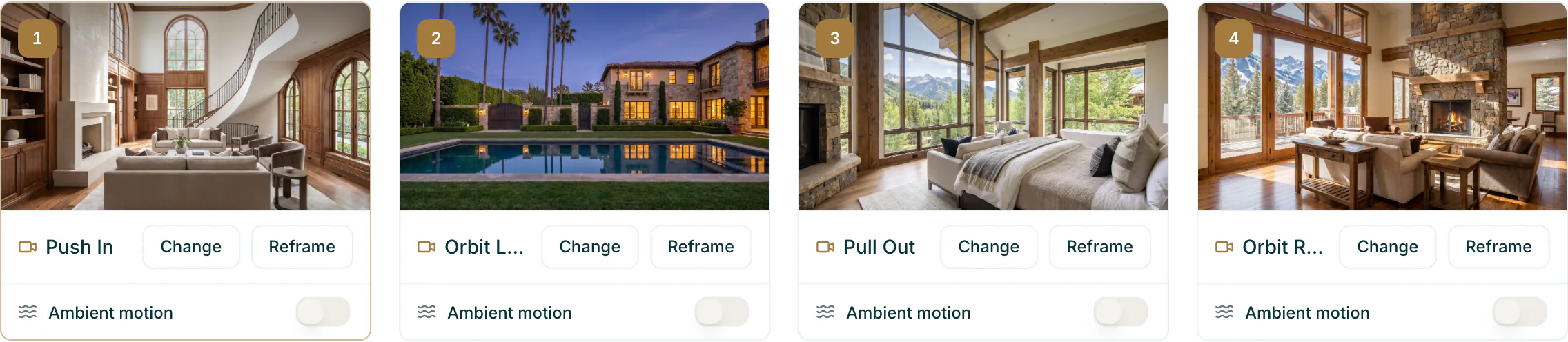
Avenue 510 assigns a camera movement to every photo the moment you add it, so you never start from a blank storyboard. There is no button to press. It reads the scene and picks a movement to match: an exterior front tends to get a Drone Rise, a bedroom or an entry a Push In.
Assigning costs nothing. Nothing is spent until you generate, so you can rearrange and reassign as much as you like first.
Override any of it on the Motion step. Press Change on a card to open the movement picker and choose from the six: Push In, Pull Out, Orbit Left, Orbit Right, Drone Rise, and Drone Descent. Reframe on the same card adjusts what the camera looks at. A movement you choose yourself is never overwritten.