Uploading Listing Photos
You can add photos to your storyboard three ways: drag and drop image files, pick from your Media Library, or import them straight from the listing.
The quickest path is the listing URL. Paste a Zillow or Realtor.com link and Avenue 510 pulls every photo automatically. If you would rather not hunt for the link, type the property address instead and it resolves the listing for you. Either way the platform pulls the available photos and property details, and you confirm the property before proceeding.
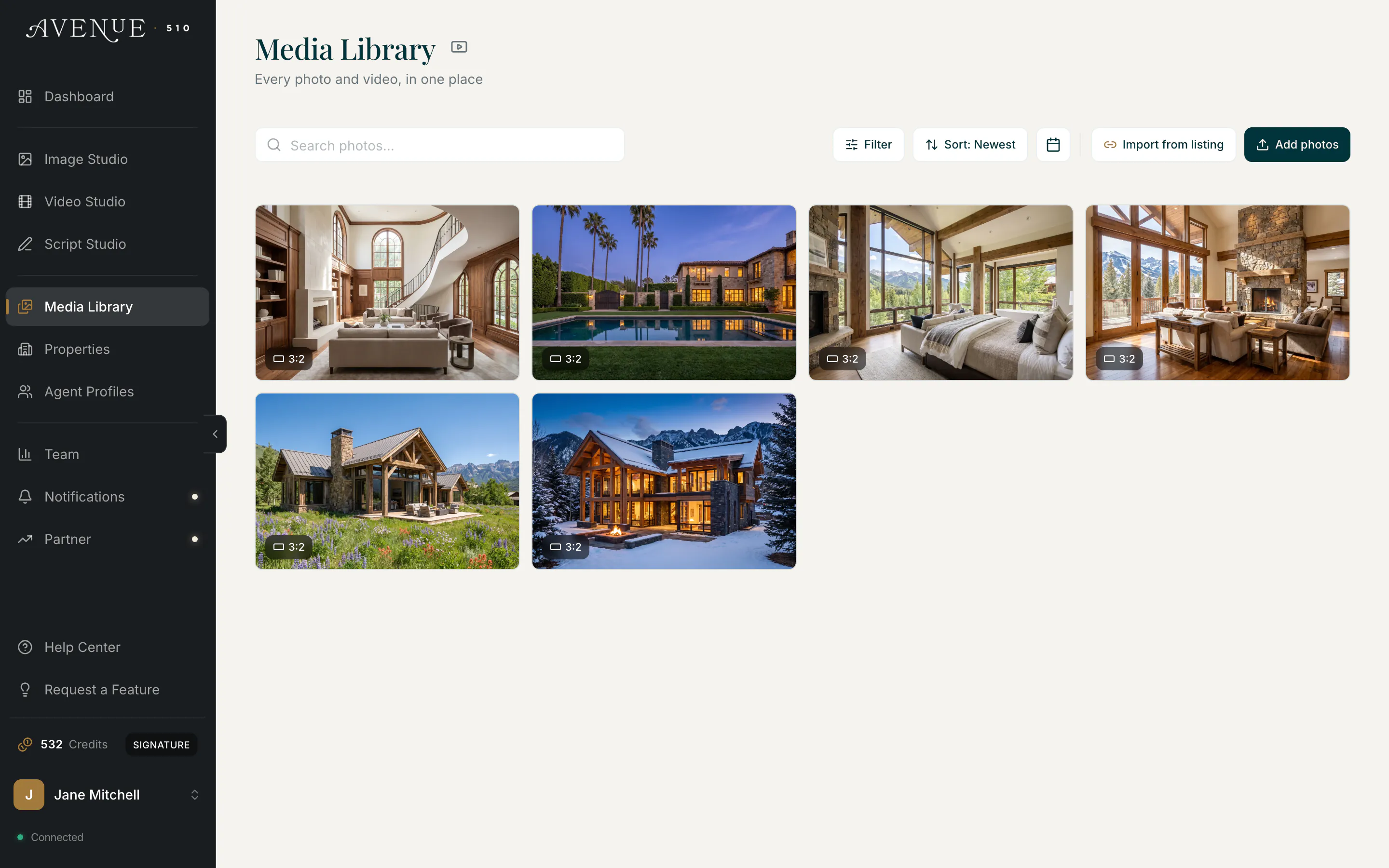
Photos land in your tour in the order you add them, and you drag any card to move it. Avenue 510 reads each image to recognize the room and labels it, and uses that label to pick a fitting camera movement, but it never reshuffles your order.